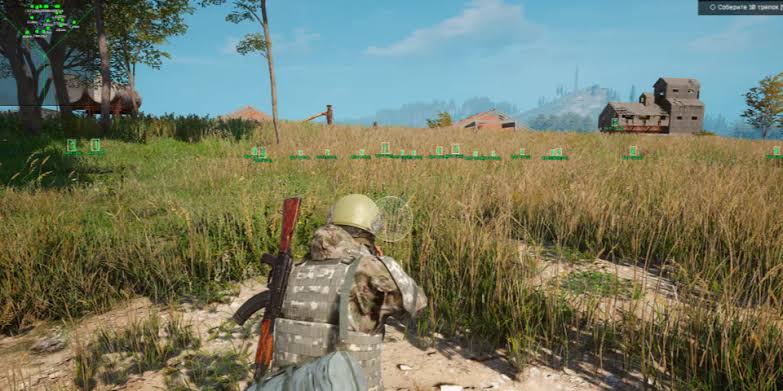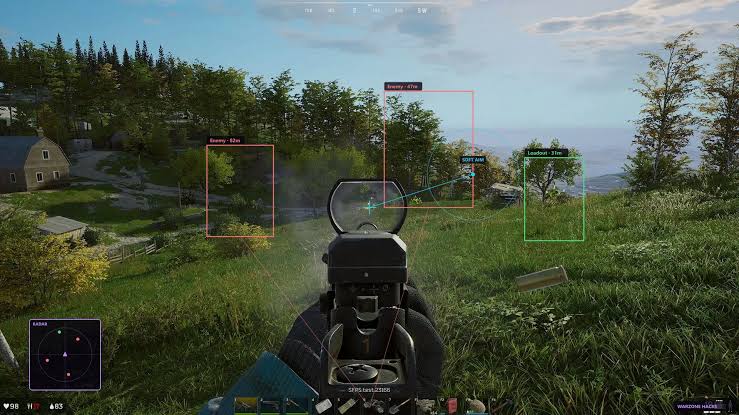
Aimbot options
Tune aim so it fits how you play.
Set the key, mode, bone, FOV, smoothness, and distance before you drop.
- Enable aimbot
- Set aim key
- Aim mode — always aim or hold
- Bones — head, neck, body, pelvis
- Aim on NPC
- Visible check
- Draw FOV
- FOV size, smoothness, and distance
Visual options
See players through walls with a clear overlay.
Keep only the ESP layers you need so the screen stays readable.
- Player ESP
- Box
- Skeleton
- Name
- Corpse
- View line
Item ESP options
Filter loot so you see what is worth the pickup.
Toggle clothing, guns, food, and tools without clutter.
- Clothing
- Weapons
- Consumables
- Resources
- Tools
- Devices
- Money
Misc options
Save your setup and switch configs when you need to.
Check Status after a Deadside or BattlEye patch before you play.
- Battle mode
- Crosshair
- Save config
- Load config
- Import config
- Export config
- Status page